App Store


AI · MOBILE · PRODUCT · FULL-STACK
AI language-learning app
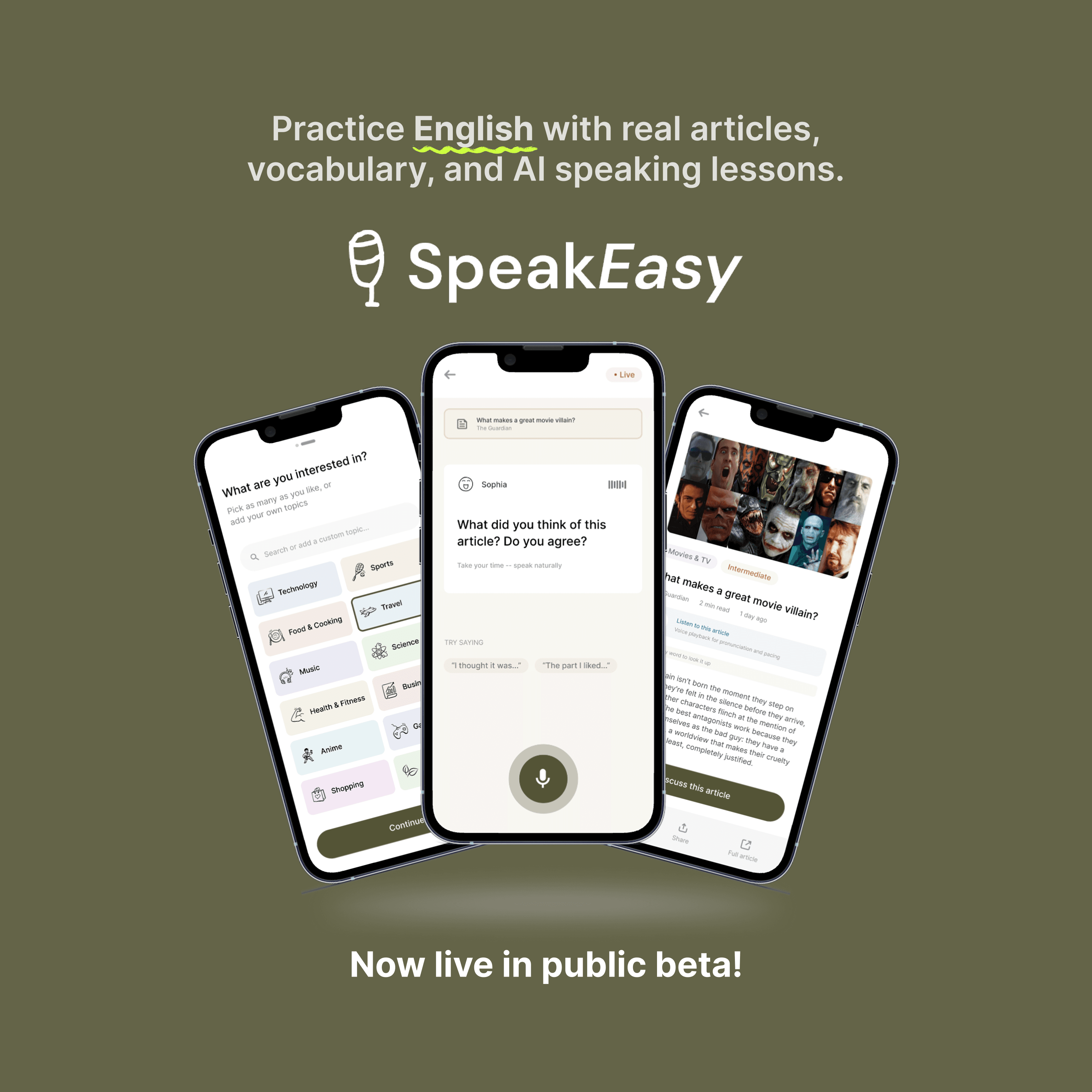
SpeakEasy is a mobile app for adult English learners who need practice that fits into daily life. Instead of asking users to attend another class or follow a rigid lesson path, it turns the content they already read into a learning environment: scrollable articles, tap-to-define vocabulary, read-aloud support, saved words, and AI conversation practice built around each article.
try the prototype
Use the store link directly or scan a QR code from your phone.
App Store
Play Store


Role
Product strategy, UX, mobile app build
Stack
Expo, React Native, Node.js, Supabase, OpenAI
Validation
16-user cohort + expert ESL feedback
Codebase
~12,300 lines across mobile and backend
Most limited-English-proficiency demand exists beyond school age, yet formal ESL classes are hard to access. The presentation framed the core barriers as awareness, time, and transportation. SpeakEasy responds by moving practice into a habit many learners already have: reading and scrolling through everyday content.
The app replaces a lesson-first model with a personalized, single-column feed. Users choose articles based on their interests, then learn inside that article through audio, vocabulary support, translation, saved words, and an AI discussion feature that helps them speak about what they just read.
The feed stays intentionally simple: one article at a time, plain headlines, short summaries, and low cognitive load. The AI conversation flow is voice-first rather than chat-first, using a phone-call mental model, one question at a time, and gentler feedback to reduce pressure.
product flows
01
Users start by picking the topics they care about: news, sports, technology, culture, and more. SpeakEasy uses those choices to build a personalised article feed from day one, so the very first thing you see feels relevant to you. No generic lesson plan, no cold start. Just content you'd actually want to read.
02
Each article becomes a self-contained learning unit. Tap any word to get an instant definition, listen to the full piece read aloud, save vocabulary to your personal word list, and pull up translations on demand. The learning is woven into the reading habit rather than sitting separate from it, lowering the barrier to practice every day.
03
After reading, users can open a voice-first conversation with an AI tutor about the article they just finished. The AI asks one question at a time, phone-call style rather than chat style, giving space to think and respond naturally. Feedback is gentle and specific, designed to reduce the anxiety of speaking a second language out loud.